Ways in which GenAI has changed the way I write code so far
AI has fundamentally transformed my developer workflow, from stack choices and IDE preferences to how git is used. I using Claude and orchestration tools like Maestro to guide implementation while tests serve as guardrails.

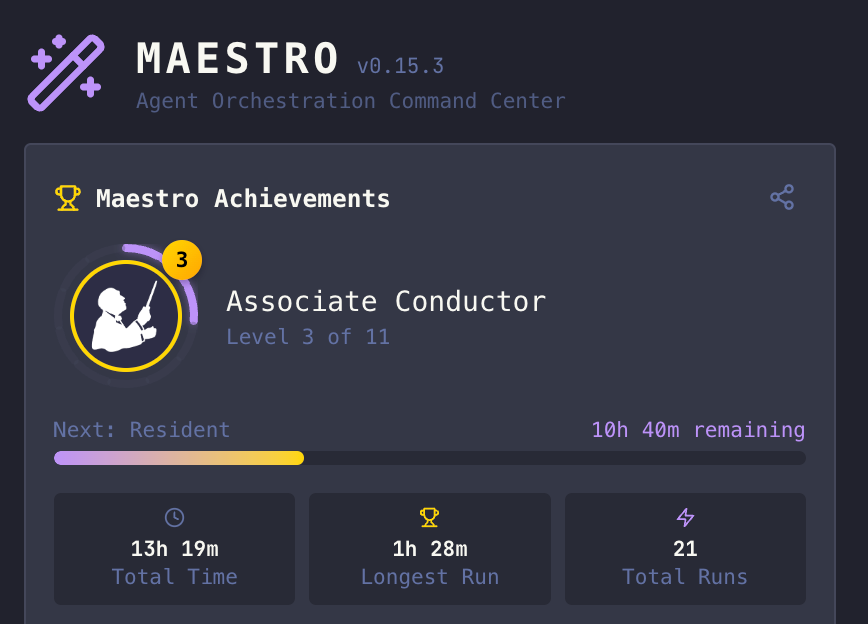
TL;DR : Projects where I use AI had a massive influence on my workflow, and it changed my default stack, IDE, how I use git and more.
A few months ago, I wrote about the impact that GenAI had in my Tech life so far. This article is about how it impacted the way I write code.
First, a disclaimer : This articles describes about how I write code at home, and does not necessarily reflect my work environment.
What used to be ideas can now be pet projects
As pretty much all developers, I constantly have ideas of things to build. And just like many of you, most of those ideas are fun / good but they'd also simply be too long to implement. The flow of ideas is faster than the time I have to build them.
Because of how good models have become though this has massively changed : Those ideas actually can be implemented now, usually in a matter of hours. So my coding has turned into 2 types of work :
- Manual coding, the old way, when I want control / have fun / learn stuff
- Semi "vibe-coding", where I let Claude (after trying Junie) handle most of the implementation and I guide him instead. I will challenge it on architecture decisions and use a large set of tests as guardrail.
The Agent Orchestrator as a base layer
For the past year or so, I've been using Maestro as my main AI orchestration tool. I like Maestro a lot, because it gets a few things right that many other similar tools don't for me:
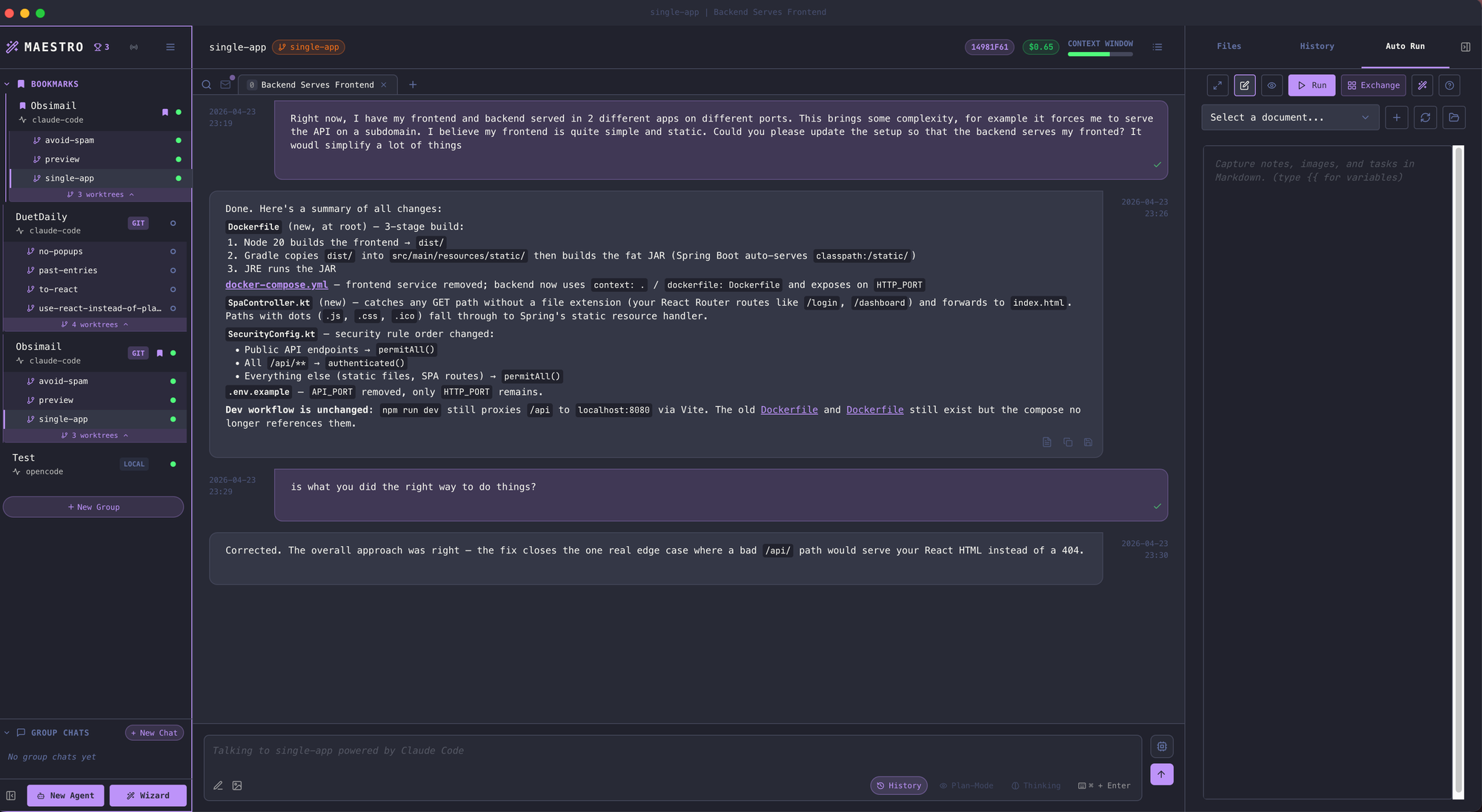
- It organizes everything in projects, which avoids having to constantly search which tab to open
- It works using Auto-run docs, which is pretty much a light version of spec-driven development, but without all the framework hassle.
- You tell it what you want to do, and it will come back with a proposal of implementation in steps, as a set of markdown files with TODO lists.
- You can either tell it to change the files, or modify them yourself.
- All items are done in a fresh new context, to avoid context drift and pollution. No more restarting Claude Code sessions all the time.
- But what I love most is that you can set a set of guardrails as Markdown files, and let it iterate over its plan as long as the guardrails aren't satisfied. It's pretty much a simplified Ralph Wiggum loop, without any fluff.
- Because my projects tend to be very similar, I put those implementation files in a separate repository and share those guardrails across projects.
Second AI as a reviewer
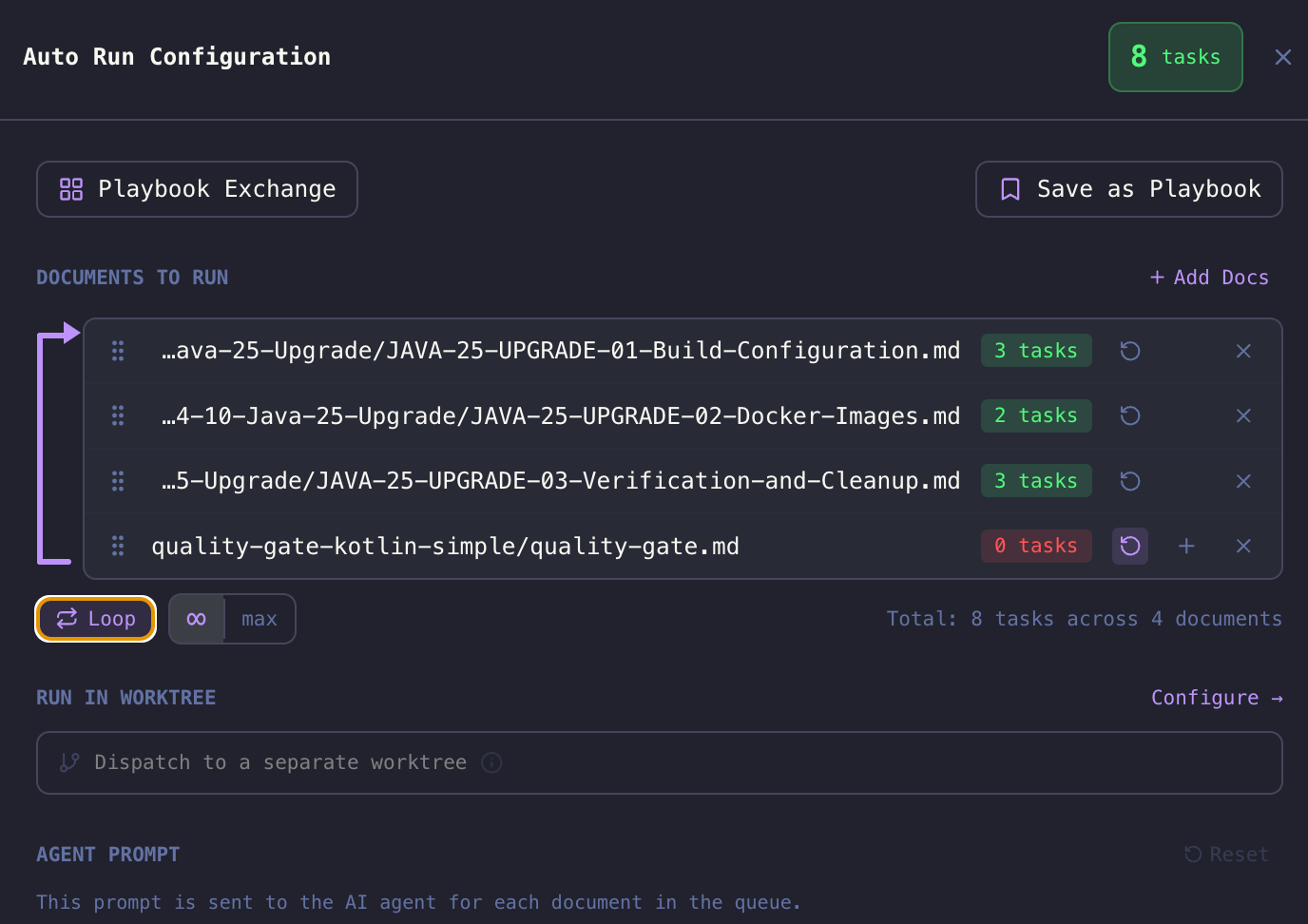
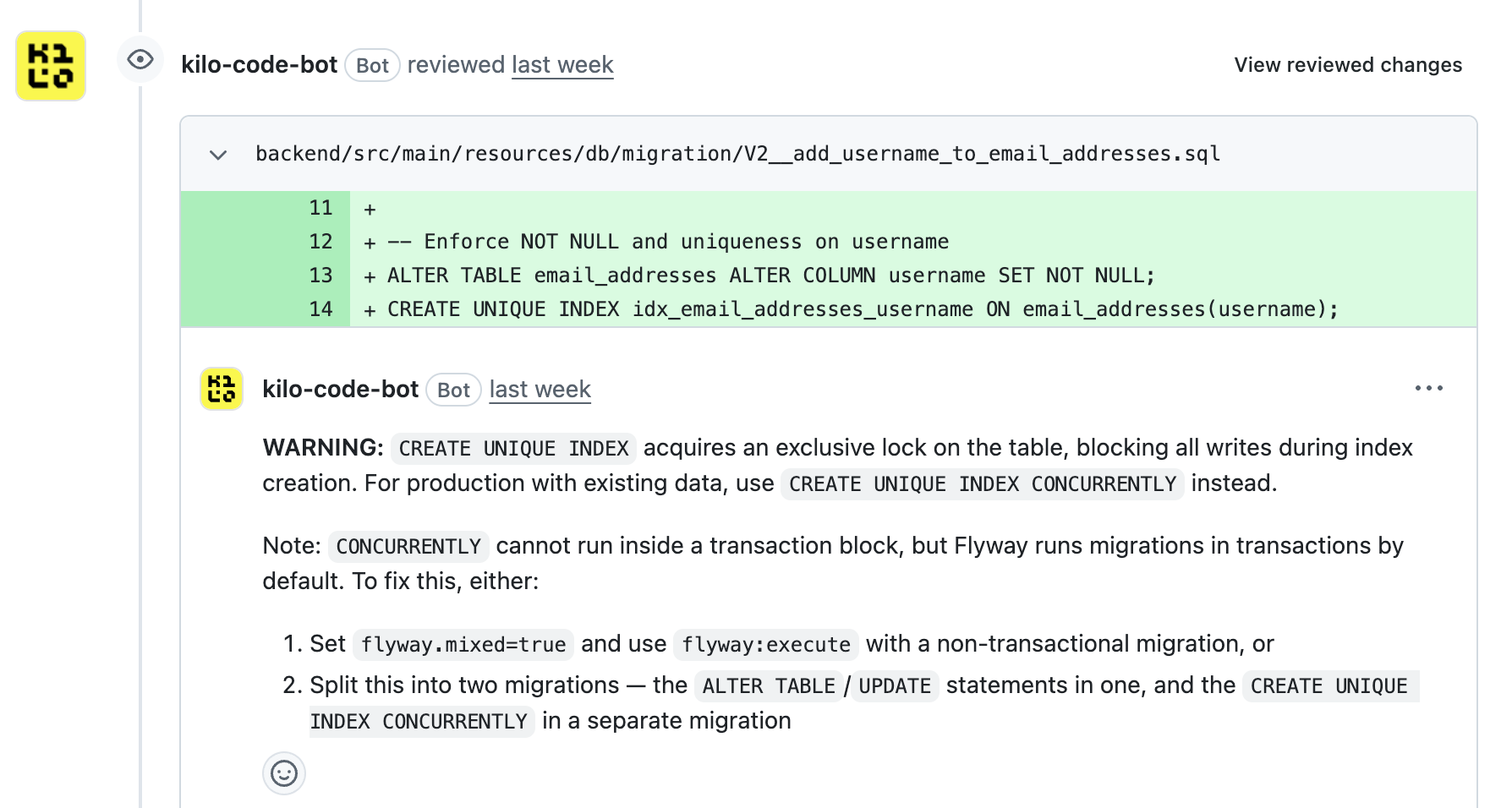
Because I tend to let AI generate the huge majority of my code, I use a second AI as reviewer of the created Pull Requests. I have been using Claude Code locally a lot, but I love the team behind Kilo.AI and they've been my tool of choice for pull requests reviewing. I like that I can select what sort of review I want, and how extensive.
From Git branches, to Git worktrees
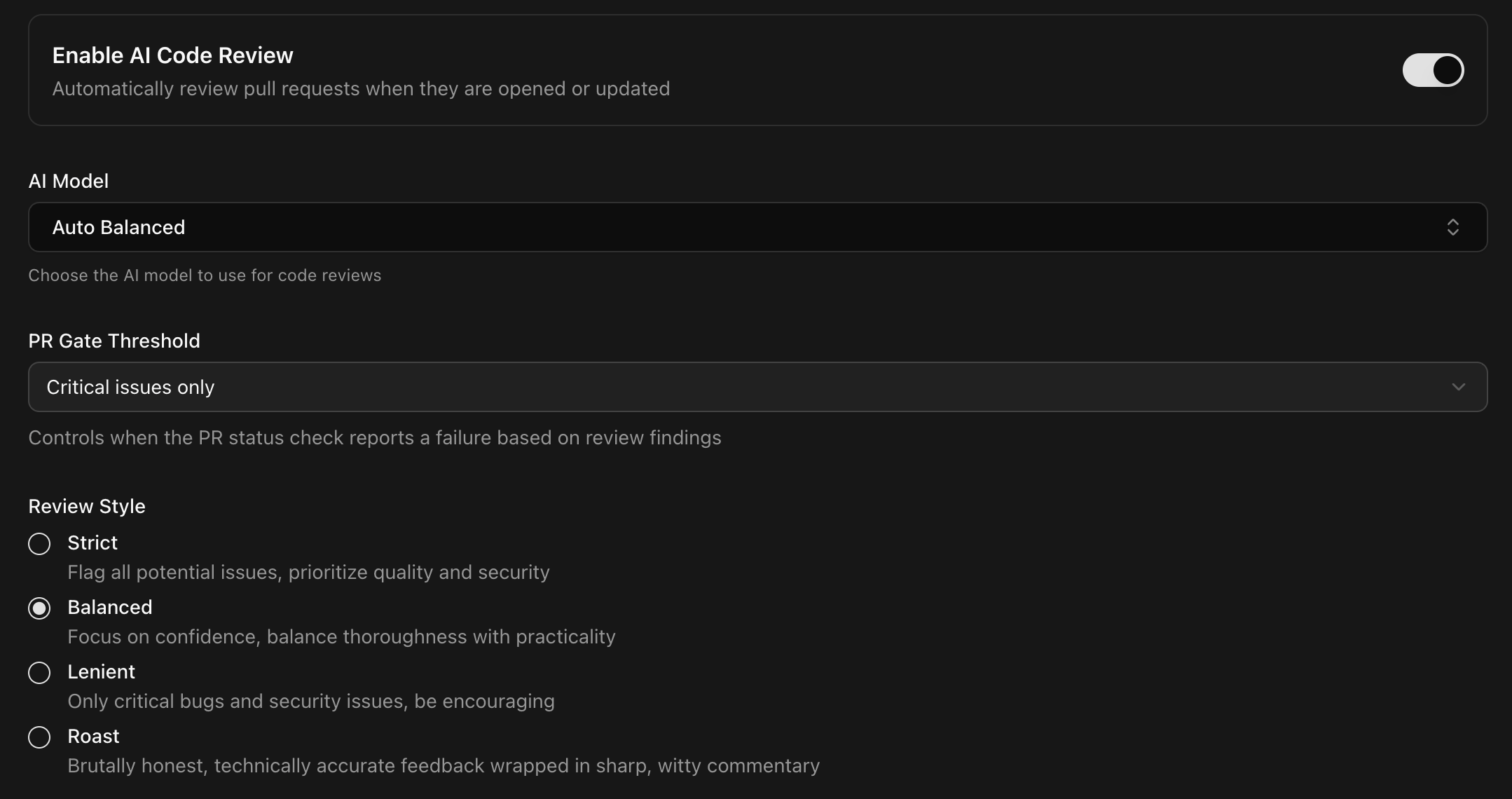
If you start using an agent orchestrator, you very quickly start telling it to work on several things at the same time. Maybe some UI cosmetics, an implementation of preview deployments and a new feature at the same time.
And git branches simply won't cut it any more, because you're pretty much constantly concurrently working on several branches at once. That's why I switched to git worktrees instead.
Said simply, git worktrees are branches but in local folders. This allows you to make concurrent changes as well as test on multiple branches at once. I like to keep things under control, so I usually don't work on more than 3/4 things at once, but that's still a whole lot of concurrent changes.
From Kotlin to Typescript
If you've read me before, you know I'm a huge Kotlin fan. Kotlin is a fun, powerful, consistent and pleasant language to work with. I'm also usually a minimalist, so my UIs are typically built in barebones web components and I like to avoid frameworks.
If you let AI handle most of your coding though, those taste become irrelevant and one thing is more important than everything else : How good can my agent work with my stack.
For this simple reason, all of my vibe coded projects are written in Typescript on the backend and usually React on the frontend. Not because I like those (I don't), but simply because of the absolute insane amount of training data available on this stack, making it easier for LLMs to write in.
Your stack doesn't matter. How good your LLM is with it does....
No more heavy IDEs
Just like with Kotlin, I've been a massive JetBrains fan for a very long time. The company itself, but also their IDEs. I spent years paying for subscriptions from my pocket simply to support the company because of how good their products are.
But in an environment where most of your code is written by someone else, where you constantly have 3/4 editors open in different worktrees and where you open and close editors 20 times a day, heavy IDEs just don't cut it any more.
Last week I realized that I hadn't opened IntelliJ in over a month... I'm genuinely slightly worried about JetBrains and I hope they're not seeing that effect in their revenue...
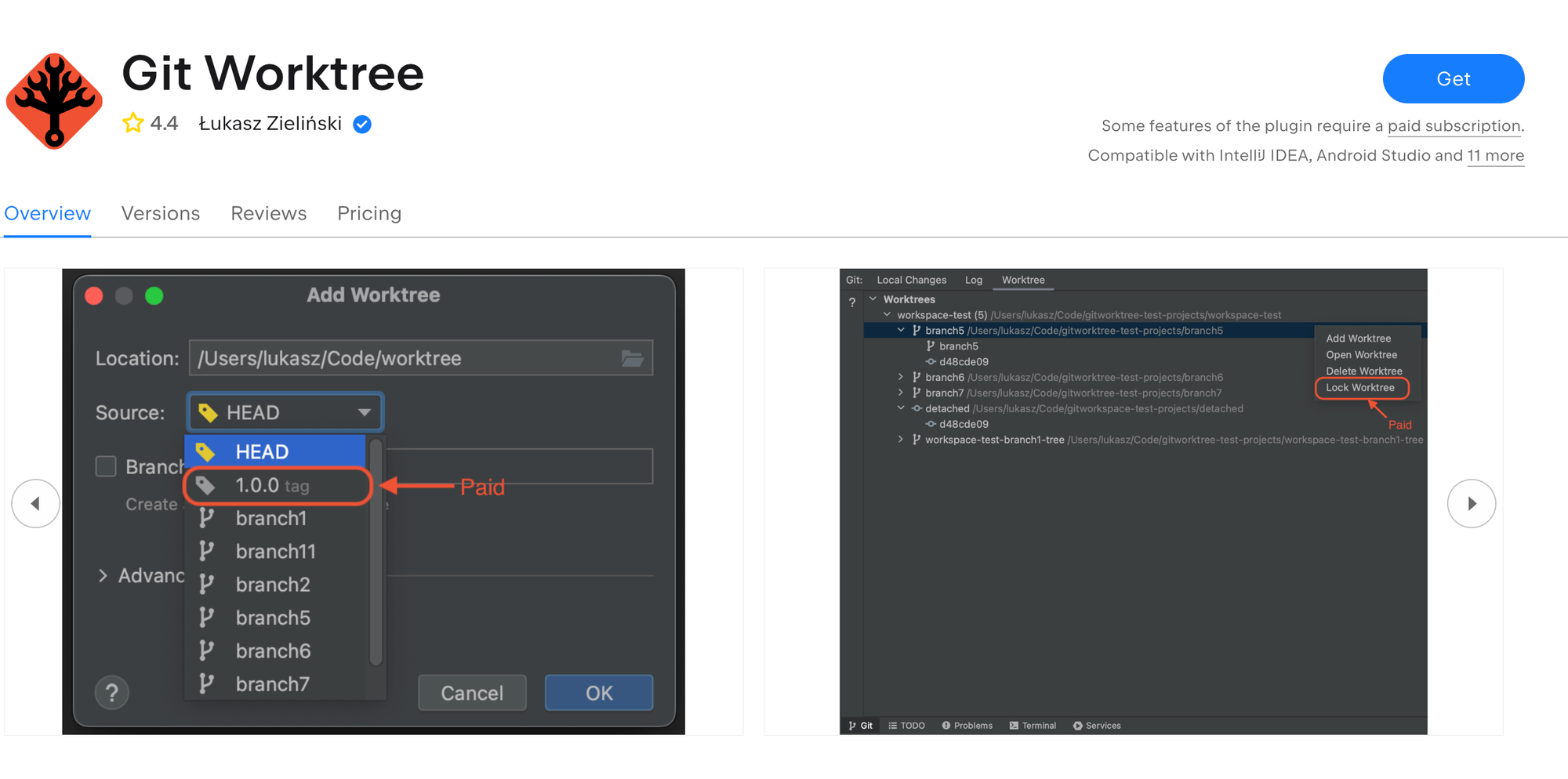
The support for worktrees in IntelliJ is also very lacking. Thankfully, there's a great plugin for this on the marketplace. Thanks Lukasz!
From tool of choice, to maximizing freedom
As the era of subsidized AI comes to an end and the major GenAI companies keep restricting their quotas, it's become important for me to rely less on a "favourite tool" but find ways to keep my options open instead.
I've been an avid Claude Code user for a long time, but lately I've switched to more open alternatives, like Kilo and OpenRouter. That way, I'm less impacted by sudden changes. Let's see how expensive all those capabilities will become over time, as investors start expecting their money back...
Actually talking to my computer
Until a year ago, the only times I was talking to my computer was to curse at it. I was looking at those developers from the Bay Area whispering to their computer ion a very opiniated way.... Thing is, after a few months writing prompts and build several features concurrently, it turns out that speaking to your computer actually makes sense. The models have become really good at transcribing my voice, even with my French accent, and you can iterate faster by speaking.
It's still not something I do a lot, maybe 20% of the time, but I know I have the choice any time and I switch depending on what I want to do
Custom skills
While I have never been a big user of custom prompts, or custom agents, I do find skills very useful in my day to day life. Especially together with Maestro, and for things that are adjacent to coding. Skills are a good way for me to extract the knowledge of someone teaching me something, and get GenAI to propose something constructed based on this.
It's both useful as an input for my work, but also as a way to teach myself the actual skill over time. Things like monetization, landing page improvement, or marketing plan are all skills that I've created based on tutorials I found online.
You can find my custom skills here.
Closing
I don't quite know how the future looks like, and whether that way of working is here to stay. I do really appreciate the feeling of being able to implement a larger set of the ideas I have been having over the years.
But I also know that as codebases get larger and larger, it becomes harder to keep AI in check and keep the quality of the final product at a sufficient level of quality.
I still write code the old fashioned way too, because I find joy in it. I also do get joy to be able to build a complete working idea in a couple hours. Let's se in a year or two how expensive all this tooling has become.